

Top 7 Mistakes Companies Make While Setting Up Video Conferencing Systems

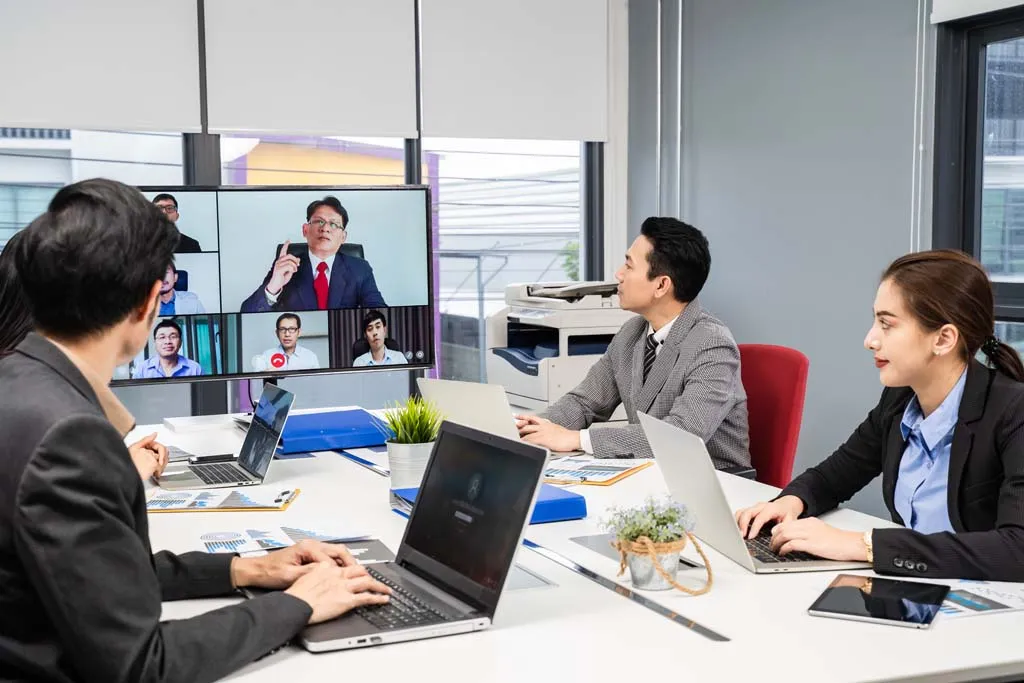
Video conferencing has become essential for modern businesses. However, many companies invest in equipment without proper planning and end up with poor meeting experiences and wasted budgets.
A well-designed video conferencing system improves productivity and communication, but common setup mistakes can reduce performance significantly.
Here are the 7 most common mistakes companies make when setting up video conferencing systems — and how to avoid them.
1. Using Laptop Cameras in Meeting Rooms
Many organizations rely on laptop cameras for conference room meetings. While this works for individual use, it is not suitable for group meetings.
Problems:
-
Limited field of view
-
Participants not visible
-
Poor image quality
-
Constant repositioning
Solution:
Use a dedicated conference camera with wide-angle coverage so that all participants are clearly visible.
2. Ignoring Audio Quality
Poor audio is the biggest reason meetings become ineffective. If participants cannot hear clearly, the meeting loses value.
Problems:
-
Voices sound distant
-
Echo and noise
-
Interruptions
-
Repeated conversations
Solution:
Install professional conference microphones and speakers designed for meeting rooms.
Clear audio ensures smooth and productive discussions.
3. Choosing the Wrong Camera for Room Size
A camera suitable for a small room will not perform well in a larger meeting space.
Problems:
-
Participants appear too small
-
Limited coverage
-
Poor framing
Solution:
Select cameras based on:
-
Room size
-
Seating arrangement
-
Number of participants
Proper camera selection ensures balanced video coverage.
4. Poor Camera Placement
Even good cameras perform poorly if installed incorrectly.
Common Issues:
-
Camera placed too high or too low
-
Poor viewing angle
-
Participants not centered
-
Unnatural eye contact
Solution:
Position cameras at eye level facing the participants for natural and professional meetings.
5. Ignoring Room Acoustics
Meeting rooms with glass walls or hard surfaces create echo and noise problems.
Problems:
-
Audio echo
-
Sound reflections
-
Reduced clarity
Solution:
Simple improvements such as:
-
Curtains
-
Carpets
-
Acoustic panels
-
Soft furniture
can significantly improve sound quality.
6. Complicated Meeting Setup
If joining a meeting takes too many steps, employees avoid using the system.
Problems:
-
Technical confusion
-
Delayed meetings
-
IT dependency
Solution:
Use systems with:
-
One-touch meeting join
-
Calendar integration
-
Wireless screen sharing
Easy-to-use systems improve adoption and efficiency.
7. No Professional Planning
Many companies buy equipment first and plan later. This often leads to compatibility issues and performance problems.
Problems:
-
Wrong product selection
-
Poor installation
-
Wasted investment
-
Future upgrade difficulties
Solution:
Consult professionals before purchasing equipment.
A properly planned system ensures:
-
Better performance
-
Scalability
-
Long-term reliability
Why Professional Video Conferencing Matters
Professional video conferencing systems provide:
-
Clear audio and video
-
Better meeting experience
-
Improved productivity
-
Professional customer interaction
A well-designed meeting room reflects the professionalism of your organization.
How Alphatech India Can Help
Alphatech India provides complete video conferencing solutions including:
-
Meeting room consultation
-
Product selection
-
Installation
-
Configuration
-
Support
With 25+ years of IT experience, we help businesses build reliable and scalable video conferencing environments.
Get Expert Advice
Avoid costly mistakes and build the right video conferencing setup for your business.
Contact Alphatech India for a free consultation and meeting room assessment.